Google Maps is starting to call businesses for customers
Google is rolling out a way for its AI in Maps to phone home repair businesses to find a customer an appointment. Here is what to tell whoever answers your phone, why to save your Local Services Ads reports now, how to claim your listing in ChatGPT, and how to use AI to transform how your business runs.
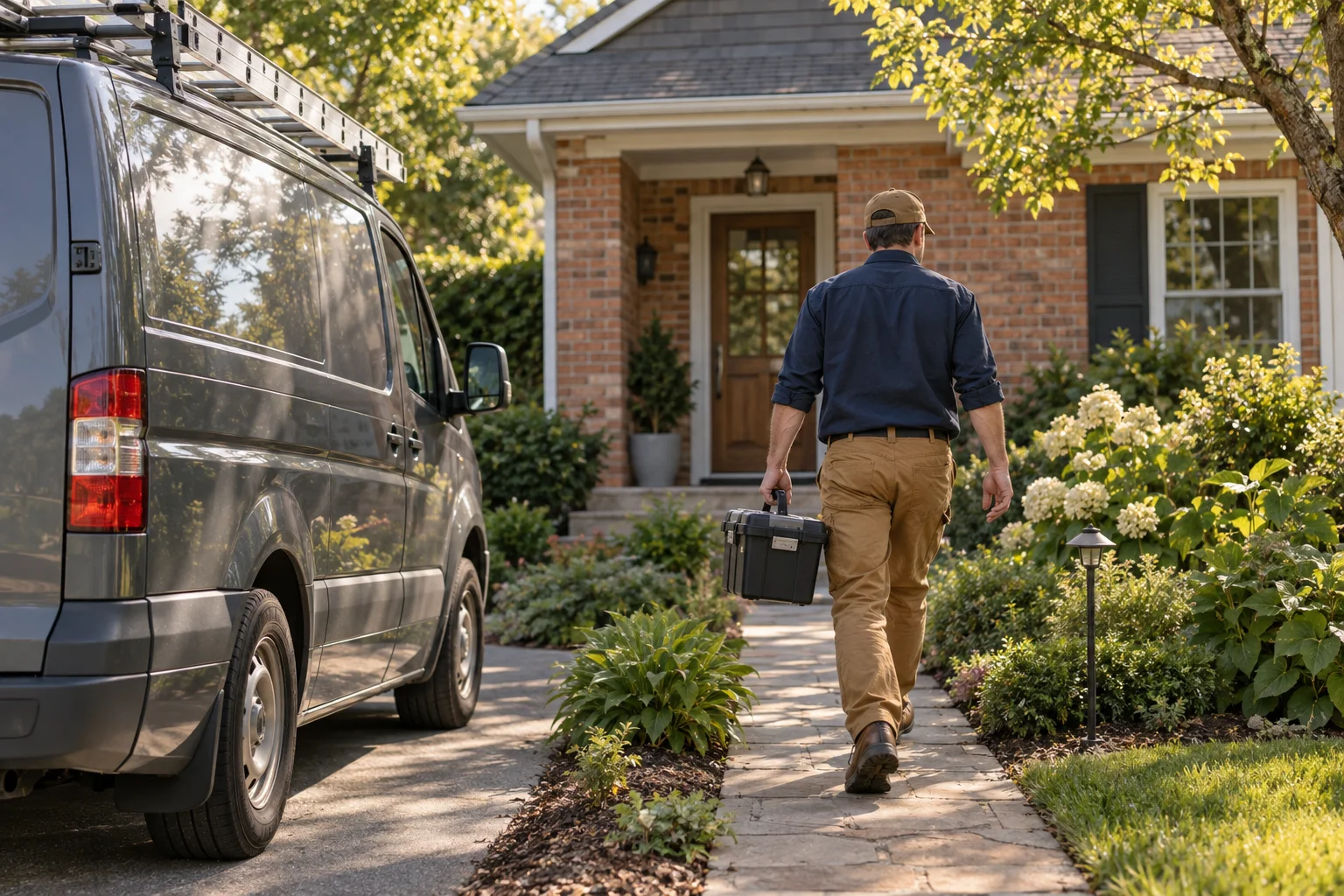
What to do when Google calls for a customer
Google says that starting today, November 16, it is rolling out a feature that lets its AI assistant in Maps, called Ask Maps, find home repair appointments online and call local businesses for a customer. It is launching first in the US, on Android and iPhone, so not everyone has it yet.
Google's announcement doesn't say how often it will call or how businesses can control these calls. Google's existing setting for automated calls made on a customer's behalf is in your Business Profile, labeled “Bookings and inquiries from customers.” We assume it covers these calls too, but Google hasn't said so.
Tell whoever answers your phone.
Google says it makes these calls at a customer's request, so treat one like any other lead. Don't give payment or account details to any caller claiming to be Google.
Check the setting.
In your Business Profile, go to More, then Business Profile settings, then Advanced settings. Leave “Bookings and inquiries from customers” on if you want automated booking calls. Google hasn't said whether it covers Ask Maps.
Keep your listing current.
Make sure your hours, services and phone number are right, so a call reaches the right person at the right time.
Save your Local Services Ads reports before your account moves
Google is moving Local Services Ads, its pay-per-lead ads, into regular Google Ads, as a new kind of campaign called Performance Max with pay-per-lead goals. The first phase started in August for some home and storefront service advertisers, including plumbing, HVAC and moving. Service-area businesses without a storefront are scheduled for late 2026.
Your Local Services Ads performance reports won't move with you. Google says they will be downloadable later and suggests taking screenshots if you need them sooner.
Screenshot your reports now.
If you can still open your Local Services Ads dashboard, save this year's spend, lead counts and cost per lead. Google says a download will come later.
Watch for Google's emails.
Google emails the account admin 14 days before the move and sends a reminder 7 days later. Make sure that goes to an inbox someone reads.
Claim your business's listing in ChatGPT
Businesses can now claim their listing in ChatGPT through a new Business Hub, which OpenAI calls a beta. OpenAI says availability depends on a business's location and type, so not every business can claim yet. Once you've claimed and verified it, you can correct your website, description and category, and see how often ChatGPT showed your business and how often people clicked through to your site over the last 28 days. OpenAI reviews each change before it shows, and ChatGPT still uses other sources too. You don't need to advertise to do any of this.
For a local business, OpenAI counts a mention whenever ChatGPT shows your location in an answer.
OpenAI says claiming doesn't guarantee you'll show up more often, and that advertising doesn't change ChatGPT's own answers. For now, local businesses can only claim a listing ChatGPT already has, and once a profile is published it can't be deleted. Small businesses may see blank numbers at first, which OpenAI says doesn't necessarily mean zero.
Find your listing.
In ChatGPT, open Business Hub from the side menu and search for your business name.
Check the phone number and email on it.
One way to verify is a code sent to the phone number or email on the listing. If that's an old number or your marketing company's tracking line, ask them to pass the code on. OpenAI may also offer other ways, such as through your website.
Claim it from an account your business controls.
Whoever claims it becomes the admin, so use your own ChatGPT account, not your agency's. Then add your staff, and give your agency access if you want them to manage it. OpenAI also asks for an ID check through a service called Persona, which may ask for a government ID and business registration details.
Three questions for whoever runs your PPC
PPC means your pay-per-click ads on Google. You don't need to log in to anything. Just ask.
Can you show me the new invalid traffic card each month?
Invalid traffic means clicks Google doesn't count as real interest, such as clicks from bots or accidental repeat clicks. On November 12, Google started rolling out a card in Google Ads that shows how much of it was filtered out and how much was credited back to you. It may not be in every account yet.
Are we holding back budget changes because the campaign is “learning”?
The learning period is the time Google's automatic bidding takes to readjust after a big change. Google's help page says changing a budget doesn't restart it, and that it never lasts more than 7 days. Adding or removing keywords or campaigns, or changing what counts as a conversion, still does. That means you can move spend with the season, such as more on heating during a cold snap.
Did any new campaign get AI Max turned on by default?
AI Max lets Google show your ads on searches beyond your keyword list, write ad text for you and choose which page people land on. Google Ads Editor, the desktop tool many agencies use to build campaigns, now turns it on by default for new Search campaigns. Unchecked, it can show your ads on searches from job seekers, DIY questions or towns you don't serve. Ask them to review the search terms report every week.
How to use AI to transform how your business runs
Nearly half of small businesses now use it, mostly for writing and marketing. In the Federal Reserve's survey of 6,525 small employer firms, released in March, 46% said they use AI, and 83% of those use it for writing or marketing. Accuracy was the top problem, named by 46% of users.
So give AI one job that brings in work, and check what it writes.
Follow up on every unsold estimate.
Have AI draft the messages for day 2, day 7 and day 21. Approve the wording once, then have the office send them. If they go out by text, send them only to customers who agreed to get texts from you.
Answer what customers ask before they call.
Have AI draft answers to your most common questions from your own estimates and emails, for your website. Check every price and claim before it goes up.
Check how AI tools describe your business.
Once a month, ask ChatGPT and Gemini for a company like yours in your area, and note whether you show up and whether the details are right.
How Aaptly can help
You have jobs to run, so let us do this part. We work to move your business up on Google Maps and in search results for the jobs you want more of. We also run your pay-per-click ads and show you what they brought in. If you don't know what to do about AI yet, we will show you how to use it to transform how your business runs and set up an AI receptionist that picks up when you can't. Book a demo with our founder, a former Google engineer, and we will go through all of it with you.
See how it works and book a demoSources
- Google: Ask Maps can find appointments and call local businesses for you, November 16, 2026
- Google Business Profile Help: About automated calls and texts from Google to your business
- Google Ads Help: Local Services Ads transition to Performance Max campaigns with pay-per-lead goals
- OpenAI Help Center: Setting up your business on ChatGPT
- Google: Invalid Traffic Overview Card in Google Ads, November 12, 2026
- Google Ads Help: About bid strategy statuses
- Google Ads Editor Help: Version 2.14 release notes (AI Max on by default for new Search campaigns)
- Federal Reserve Small Business Credit Survey: 2026 Report on Employer Firms, 6,525 firms
Sources checked 2026-11-16.