Aaptly AI receptionist

Answer the phone. Keep the conversation going.

When you’re with a customer or closed for the day, Aaptly can answer the call, ask what’s needed, and collect the right details. Book where supported, or leave your team a clear request to follow up.

Your services, hours, and instructions.
Aaptly handles the phone setup and test calls.

A call to your kind of business
After-hours coverageSample conversation
C
Cedar Heating & AirAI receptionist · After-hours example
Incoming call

Morgan is calling.

A question about heating repair.

Receptionist

“Thanks for calling Cedar Heating & Air. I’m the AI receptionist. How can I help?”

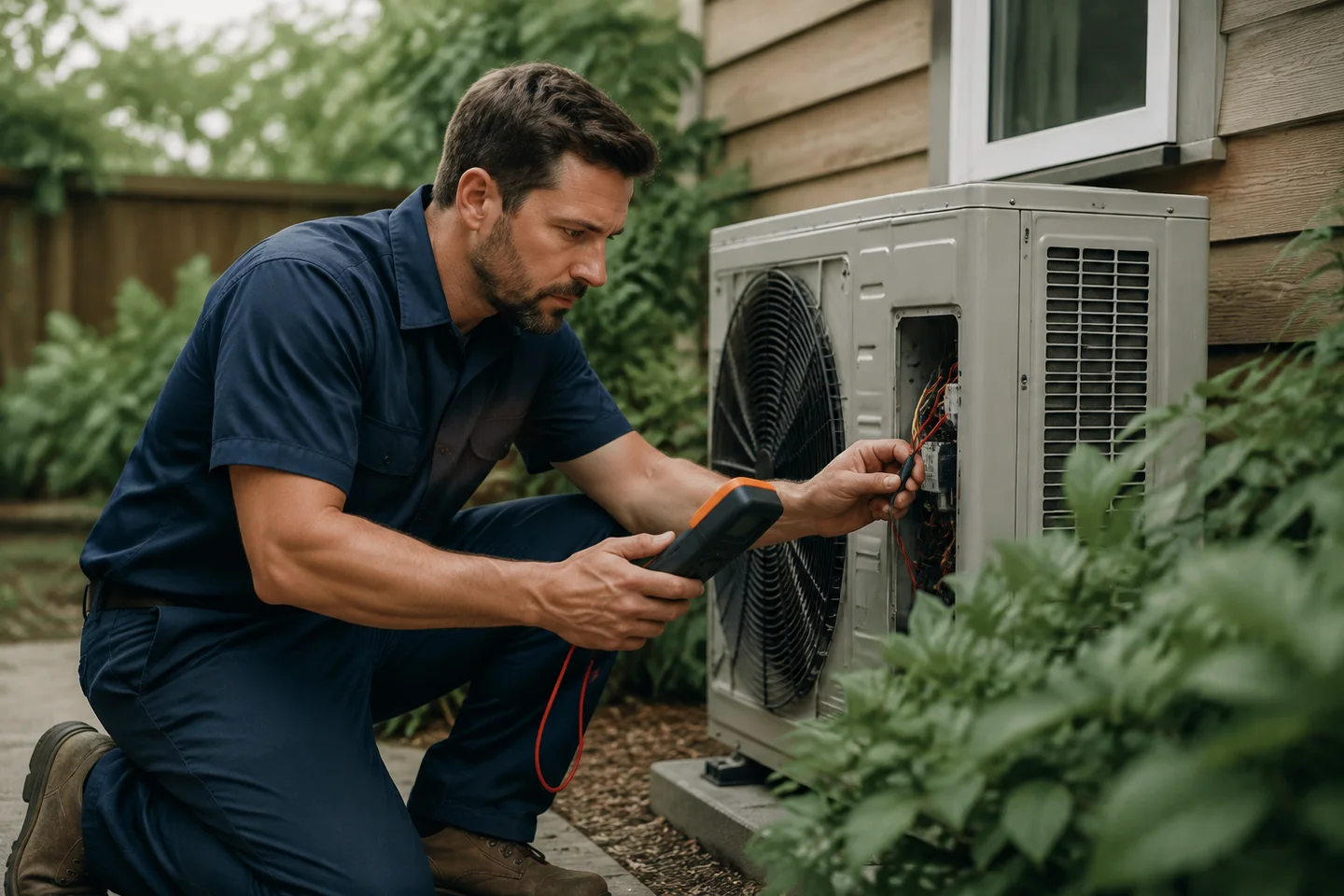
A technician checking an outdoor heating and cooling unit
For your kind of businessHVAC

A greeting that identifies the business and the AI receptionist.

Receptionist for HVAC

What the receptionist does

Give the caller
somewhere to start.

Customers call with a question, a problem, or a plan. We set up the receptionist to understand the request, use your business information, and explain what happens next.

01

Answer with your business in mind

Use your business name, services, opening hours, location, and approved answers. We prepare the greeting and call instructions around the questions your customers actually ask.

Prices, service areas, policies, and availability come from the information you approve. Unknown details need a follow-up.

02

Ask useful follow-up questions

Find out what the caller needs, confirm their name and callback number, and collect relevant details. A repair inquiry, a haircut, and a first consultation need different questions.

Keep the conversation focused. Your team receives the request without asking the caller to start from the beginning.

03

Help with the next step

Check available times and make a booking where a supported Aaptly calendar and the right services are configured. Otherwise, collect a request for your team to confirm.

A requested time is not a booking. An estimate, dispatch time, or appointment in an unconnected system needs confirmation from the business.

04

Handle the hours your team can’t

Use AI-first answering or let your team’s phone ring before Aaptly answers. Set the hours when a person can be reached and the wording for callers outside those hours.

We configure and test the agreed phone arrangement. When nobody is available, the caller can leave a useful callback request.

05

Pass the conversation to a person

Requests outside the agreed answers, complaints, and callers asking for a person need a clear handoff. We set the destination and what the team should receive.

The current handoff records a request for a person to follow up and can alert the configured contact. Team-first routing lets staff answer the live call before the AI.

06

Keep a record of the call

Review the caller’s request, call outcome, and available summary, transcript, or recording. Call and conversation details help the team see what still needs a reply.

We test the agreed notifications and follow-up path. Recording availability depends on the setup and successful capture.

The way your phone is answered

You choose when
Aaptly picks up.

Keep the arrangement that makes sense for your team. We check the number, call destination, ring time, and what happens when nobody is available.

Team availability and after-hours wording are part of setup.

Your team first

The business destination rings. If nobody answers within the configured time, the AI receptionist takes the call.

CallerYour teamAaptly

Aaptly first

The AI answers using your business instructions. A request for a person follows the agreed handoff and team availability.

CallerAaptlyNext step

Existing numbers and forwarding depend on the current phone provider. We confirm the arrangement and run test calls before launch.

Bookings & human follow-up

Say exactly what
has been arranged.

Some calls can finish with a booking. Others need your team to check the work, confirm a time, or answer a question. The caller should know which one applies.

Salon haircutSample conversation
“You’re booked for Thursday at 3 p.m.”
  • A supported calendar has been checked.
  • The caller’s details are confirmed.
  • The booking has been saved successfully.

Example assumes no deposit is required. Pending requirements remain visible; a request is never described as confirmed before it is.

Roof inspectionSample conversation
“I’ve noted the damage and your callback number.”
  • The caller’s description is captured.
  • The team has a request to follow up.
  • No inspection time or price is promised.

The business confirms the visit and scope. A complex estimate, clinical question, or legal inquiry needs the appropriate person.

When someone asks for a person

The current handoff saves a follow-up request and can alert the configured contact. The person calls the customer back. For staff to answer the live call before the AI, use team-first routing. We test both the ringing destination and the follow-up path.

After the call

Know why they called.
Know what still needs doing.

The call record and related conversation keep the available details together. Your team can review the request and pick up the next action.

Cedar Heating & AirSample call
MorganNeeds follow-up

The heat is running, but every room is still cold. Morgan wants to discuss a service visit.

Call answered by
AI receptionist
Caller’s timing
Problem started this morning
Contact details
Callback number confirmed
Next action
The team calls Morgan back
Visit booked
No — team confirmation needed

Shortened example, not a customer record. “Answered” describes the call; it does not mean the customer’s request is resolved.

The useful details

See the service requested, information the caller gave, and what was agreed. An available transcript or recording provides more context when needed.

The actual outcome

Keep a booking, callback request, handoff, and answered question distinct. The team’s reply or completed follow-up matters beyond the call ending.

A way to continue

Follow up from the related conversation using the channels in your setup. Supported text follow-up and notifications are agreed and tested before use.

Explore lead management

A receptionist for your business

Different callers.
The right questions.

Try any of the 34 business types in the preview. The service, conversation, collected details, and next step change together. Your actual setup uses your own business information.

Home services

HVACPlumbersElectriciansRoofersLandscapingCleaning ServicesPest ControlLocksmithsGarage Door CompaniesAppliance RepairHandyman ServicesPaintersCarpet CleanersPool ServiceMoving Companies

The job, the property, the service area, and a useful callback request. Your team confirms estimates, site visits, and dispatch arrangements.

Med spas

Med Spas

Consultation requests and approved practice information. Clinical suitability and treatment advice stay with your qualified team.

Salons & beauty

Hair SalonsNail SalonsLash & Brow StudiosDay SpasMassage Therapy

Service questions, new-client details, and supported appointment booking. Complex color work and timing questions go to the salon.

Medical & dental

DentistsDermatologistsChiropractorsPhysical Therapy

New-patient inquiries, visiting information, and requests for the practice. Clinical advice and urgent-care decisions stay with qualified staff.

Legal

Attorneys & Law Firms

Contact details, the general nature of an inquiry, and any stated deadline. The firm handles legal advice, conflict checks, and accepting a case.

Automotive

Auto Repair

The vehicle, the requested work, and when the customer can talk. The workshop confirms diagnosis, estimates, and repair timing.

Fitness

Gyms & Fitness CentersYoga StudiosPersonal Trainers

First visits, class questions, and coaching inquiries. Your team handles individual program advice and membership decisions.

Pet care

Pet GroomersVeterinarians

The pet, the requested visit, and the owner’s questions. Grooming details go to the groomer; medical questions go to the veterinary team.

Barbershops

Barbershops

Haircuts, opening hours, barber preferences, and supported appointment times. Your shop’s service and availability rules guide the call.

Tattoo studios

Tattoo Studios

The idea, placement, reference material, and a consultation request. Your artists decide design, suitability, pricing, and session length.

Set up around the real business

We handle the setup.
You tell us how you work.

Give us your business facts and the decisions only you can make. Aaptly handles phone configuration, call instructions, testing, and agreed ongoing changes.

01

Confirm the information

Services, hours, locations, approved prices, common questions, and the person responsible for follow-up.

02

Agree the call handling

Your number, answering mode, team availability, booking or callback rules, notifications, usage, and fees.

03

Test before going live

Try routine questions, an unavailable time, and a request for a person. Check the call record and the team’s next step.

Tell us when services, hours, prices, or contact people change. We update the agreed setup and check the affected call path.

Discuss your receptionist

Before you start

Questions about
the receptionist.

Can I keep my existing business number?

We review your current number and phone provider, then agree the forwarding or number arrangement. Aaptly handles the technical configuration and test calls; you provide authorization where your provider requires it. We confirm what your setup supports before changing how calls are answered.

Can my team answer before the AI does?

Yes. The supported team-first mode rings the configured business destination before the AI takes over if nobody answers. AI-first answering is also available. We test the timeout, destination, and fallback behavior for your number.

Can it answer after hours?

Yes, according to the agreed setup. We configure your business information, team availability, and after-hours instructions. If nobody is reachable, the receptionist takes details for follow-up instead of promising a live transfer or an immediate visit.

Can it book directly into my current scheduling software?

Do not assume every calendar is connected. Direct booking is supported where the Aaptly calendar, staff, services, and availability are configured and enabled. We verify your exact arrangement. For an unconnected system, a complex job, or work requiring review, it can collect the request for your team to confirm.

What happens when a caller needs a person?

The current human handoff records a request for follow-up and can alert the configured contact. It does not transfer an ongoing AI call to a staff member. If you want your team to answer the live call first, use team-first routing. After hours, the receptionist collects the details for a callback.

What if it does not know the answer?

The call instructions use your approved business information and define when to ask your team. Prices, availability, diagnoses, legal advice, or custom commitments should not be invented. We review example calls with you before launch and make agreed updates when your services or policies change.

Can I see the conversation afterward?

Yes. Call history and the related conversation show available call details and outcomes. Summaries, transcripts, recordings, and notifications depend on the call and configuration. We explain what will be available and test the owner’s follow-up path before launch.

What do setup and ongoing coverage include?

We agree the phone arrangement, business information, call instructions, booking or handoff scope, usage allowance, fees, notifications, and ongoing review. Text follow-up and additional channels are confirmed separately where supported. You provide business facts and approvals; Aaptly owns the technical setup and maintenance.
Start with the calls you receive

Let’s talk through a typical call.

We’ll explain the answers, questions, booking options, and handoffs that fit your business.

Book a receptionist walkthrough