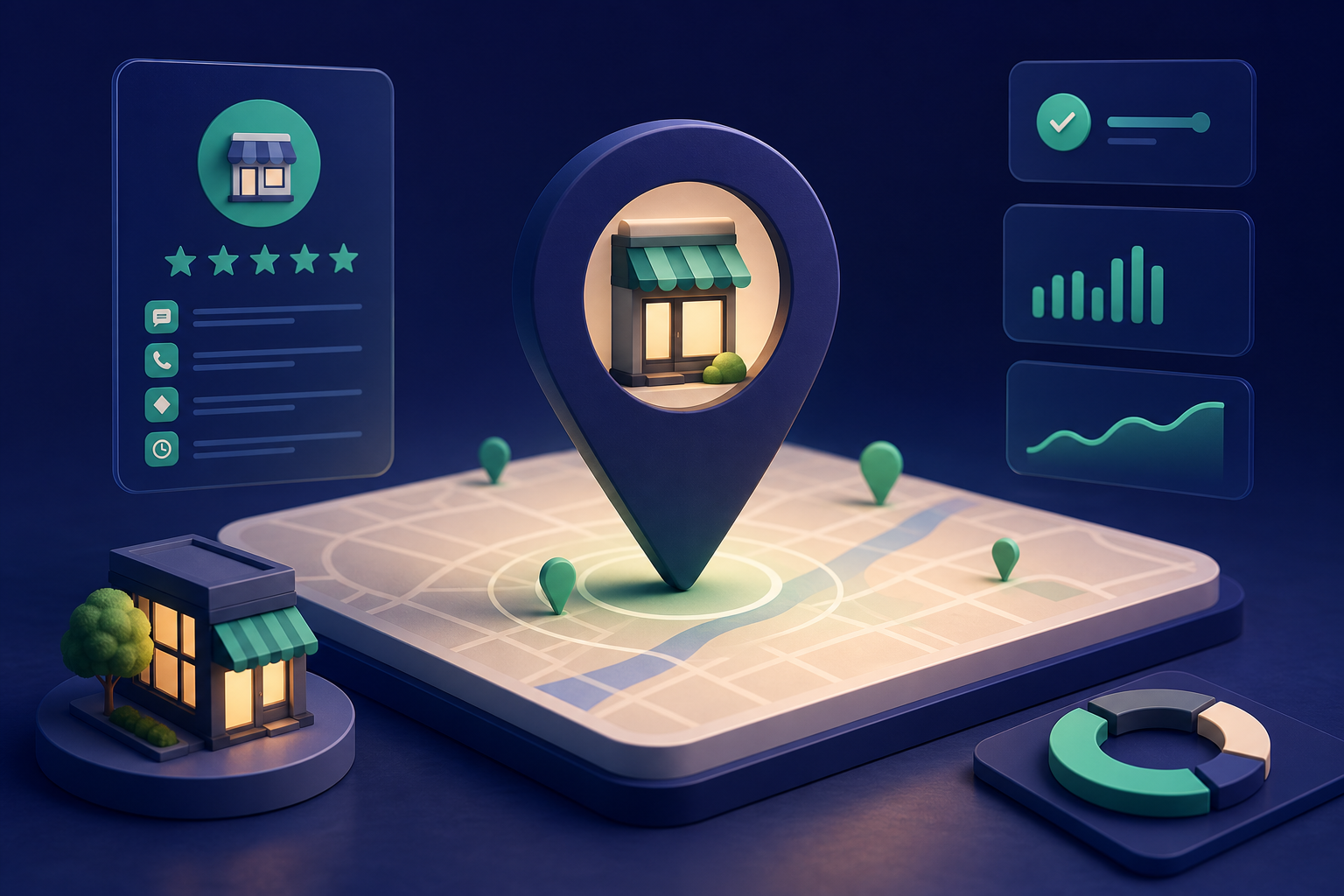
Google Business Profile management software is a tool that helps local businesses keep their business information accurate, respond to customers, and track their performance in Google Search and Maps—all without logging into Google manually each time. For businesses with limited staff or multiple locations, this software can mean the difference between a profile that's regularly updated and one that becomes stale and loses visibility.
In this guide, we'll explain what these tools do, why they matter for local visibility, and what features actually move the needle for small local businesses.
What Is Google Business Profile Management Software?
Google Business Profile management software is a third-party platform that connects to your Google Business Profile and gives you a central dashboard to manage your business information, customer messages, reviews, and posts. Instead of logging into Google Business Profile separately, signing in with your Google account, and navigating through Google's interface, you can handle these tasks in one unified platform.
These tools range from simple review-response systems to full-featured platforms that manage multi-location businesses, automate customer communication, and provide detailed analytics about how customers discover your business.
Core Features That Matter for Local Businesses
Listing Management and Updates
Your Google Business Profile needs to be accurate and current: business name, address, phone number, hours, categories, description, and attributes. Management software lets you update these details across one or more locations from a central dashboard. This is especially valuable for multi-location businesses where information can easily get out of sync.
Review Monitoring and Response
Customer reviews directly influence both your reputation and your local search ranking. Google Business Profile management software monitors reviews and alerts you when new ones arrive. Built-in response templates and workflows help your team respond promptly and consistently—which is harder to do when checking Google manually.
Customer Messaging
Customers can message your business directly through your Google Business Profile. Management software consolidates these messages into a single inbox, making it harder to miss inquiries. For some businesses, this is a key channel for booking or answering quick questions.
Post Scheduling and Promotion
Posting updates to your Google Business Profile—like a special offer, event, or new service—keeps your profile active in the eyes of both customers and Google's algorithm. Management software lets you schedule posts ahead of time and sometimes suggests optimal posting times.
Photo and Video Management
Recent, high-quality photos of your business, products, and services build trust and improve engagement. Some platforms offer tools to upload, organize, organize, and get notifications when photos need refreshing.
Insights and Analytics
Google provides basic analytics—how many people searched for you, clicked your website, called, or asked directions. Management software often presents this data more clearly and may offer additional trend analysis to help you spot patterns.
Q&A Moderation
Customers can post questions directly on your Google Business Profile. Management software helps you monitor and respond to these questions, which appear prominently on your profile.
Why Local Businesses Use Google Business Profile Management Software
Consistency Across Locations
For a business with ten locations, manual updates are a recipe for mistakes. One location's hours might be wrong, or a new service might be missing from some profiles. Centralized management software reduces these gaps.
Time Savings
Responding to reviews, updating posts, and checking messages takes time when done manually across multiple logins. A unified dashboard consolidates these tasks and can automate routine responses.
Accountability
When multiple team members are responsible for customer communication, management software creates a record of who responded to what and when. This accountability helps ensure nothing falls through the cracks.
Actionable Insights
Management software often highlights which days get the most customer inquiries, which actions drive the most clicks, and where you might be losing visibility. This data can inform decisions about hours, staffing, or marketing.
Integration With Booking and CRM Systems
Some platforms integrate your Google Business Profile with your booking system or customer management tools, reducing manual data entry and helping you recover leads that might otherwise be lost.
What To Look For in Google Business Profile Management Software
Single vs. Multi-Location Support
If you run one location, a simpler tool may be enough. If you run multiple locations, ensure the software handles bulk updates and multi-location analytics efficiently.
Ease of Use
Your team will only use the software if it's straightforward. Look for intuitive interfaces and mobile apps if your team manages profiles on the go.
Review and Message Management
Ensure the software captures all review sources (Google, but also platforms like Yelp or industry-specific sites if relevant) and consolidates customer messages from Google into one inbox.
Customer Support
When something goes wrong—a message isn't syncing or you need help configuring a feature—responsive support matters. Check reviews and test their support channels before committing.
Transparency on Data and Syncing
Understand how the software accesses your Google Business Profile and how frequently updates sync. Delays or data discrepancies can cause problems.
Integration Capabilities
If you use a booking system, CRM, or email platform, check whether the software integrates with your existing tools to avoid duplicate work.
How Aaptly Helps
Aaptly's Google Listings management is built for local businesses that want to stay visible in Google Search and Maps without the manual overhead. You get a centralized dashboard to manage your business profile, respond to customer messages and reviews, post updates, and track how customers find you.
Aaptly also integrates your Google Business Profile data with missed-call recovery, booking management, and review request automation—so you're not just managing your listing in isolation. When a customer searches for you on Google, clicks your number, and you miss the call, Aaptly captures that lead and helps you follow up. When someone books through Google, you can track it alongside your other reservations. When you're ready to ask satisfied customers for reviews, Aaptly automates that request.
This approach means your Google Business Profile becomes part of a larger system designed to help you get found, respond fast, and keep customers coming back—rather than just a static listing you update occasionally.
Common Mistakes to Avoid
Outdated or Incomplete Information
Your profile is only useful if it's accurate. Incomplete information (missing hours, no description, no categories) tells Google your business may not be active. Use management software to audit and fill gaps.
Ignoring Reviews and Messages
A message ignored for a week is a lead lost. A negative review left unanswered damages trust. Regular, prompt responses are non-negotiable for local visibility.
Not Posting Regularly
Google rewards active profiles. A business that hasn't posted in months looks inactive. Even monthly updates signal that your business is current and engaged.
Mismatched Information Across Platforms
If your address is different on Google, your website, and your Facebook page, it confuses customers and search engines. Management software helps, but you also need to audit other platforms and keep them aligned.
Relying Solely on Software Without Strategy
Management software is a tool, not a strategy. You still need to know why you're posting, what you're saying about your business, and who you're trying to reach. Software makes execution easier, but the thinking still matters.
Frequently Asked Questions
What is Google Business Profile management software? Google Business Profile management software is a tool that helps local businesses keep their business information accurate across Google Search and Maps, respond to customer reviews and messages, post updates, and track how customers find them. Instead of logging into Google Business Profile manually, these platforms offer dashboards to manage listings, analytics, and customer communication in one place.
Why should local businesses use Google Business Profile management software? Manual management of a Google Business Profile is time-consuming and error-prone. Management software saves time by automating updates, centralizing customer responses, providing visibility into search performance, and helping businesses stay on top of reviews and messages. This consistency directly impacts local search rankings and customer trust.
What are the core features of Google Business Profile management software? Core features include listing management and updates, review monitoring and response tools, messaging and customer communication, post scheduling, photo management, Q&A moderation, analytics and insights, and bulk management for multi-location businesses. Some platforms also offer reputation monitoring and integration with booking or customer management systems.
Can Google Business Profile management software improve my local search ranking? Yes. Keeping your profile complete, accurate, and regularly updated signals to Google that your business is active and trustworthy. Responding promptly to reviews and messages, posting regularly, and maintaining correct business information all contribute to better local search visibility. Management software makes these tasks consistent and efficient.
Is Google Business Profile management software necessary for small businesses? For businesses with a single location managing one profile, manual updates may be sufficient. However, for businesses with multiple locations, limited staff time, or those competing in busy local markets, management software becomes valuable. It ensures nothing is missed and provides insights that manual management typically doesn't offer.